WRITTEN STEPS / NO AI NEEDED
Bring your mom
- Written steps with screenshots for iPhone, Android, Windows and Mac
- No AI, no coding, no extra purchases
- One small win each week you can check off
- Done in about an hour a week
 JOSHUA HALEBUILD A LIFE WITH MORE FREEDOM.

THE PRIVACY CHALLENGE
Five free fixes you can set up today. No mass reset. No new phone. Your mom can do it with written steps. You can do it with AI.
Get the free checklistA NOTE FROM JOSHUA
I was helping a family member with her laptop. I asked for her password.
"One, two, three, four."
I didn't laugh. Fifteen years of data breaches, and that password has probably been in a lot of them.
Then I turned the flashlight on myself. I've used a password manager for six or seven years. I teach this stuff. When I moved everything into Proton Pass, it ran a health check: 1,210 weak passwords. 373 reused. 48 already compromised. 419 accounts with no two-step sign-in. And my old manager was LastPass, the one that lost its customers' vaults in 2022.
That's me. The guy who thought he had this handled. You don't need to be Fort Knox. You need to be harder than average. The checklist is where I'd start, and where I started.
AI, business & freedom.
Conversations on AI, The Survival Podcast
 The Deep Wealth Podcast
 My Weekly Marketing
 Law Firm Growth Podcast
 Health Coach Conversations
 Knack 4 Business
 The Bruce Poppy Show
 TruthStream
 The Unstuck Movement
 Connected Leaders Academy
 The Mindful Living
 Healthy Mind, Healthy Life
01 / LESS OVERWHELM. A USEFUL FIRST STEP.
Another account. Another notification. When you're already dealing with digital overwhelm, protecting yourself becomes one more thing you'll get to later.
Start with the basics: protect your accounts, keep private conversations private, and understand who can see your financial transfers. Review the tracking behind the apps you use and the prices you see.
You don't have to replace every app. Share less, reduce tracking, and keep your own copy of the things that matter while you test alternatives.
I'll bring the videos and guides. We'll work through the setup together, with a clear next step and a way to check the result.
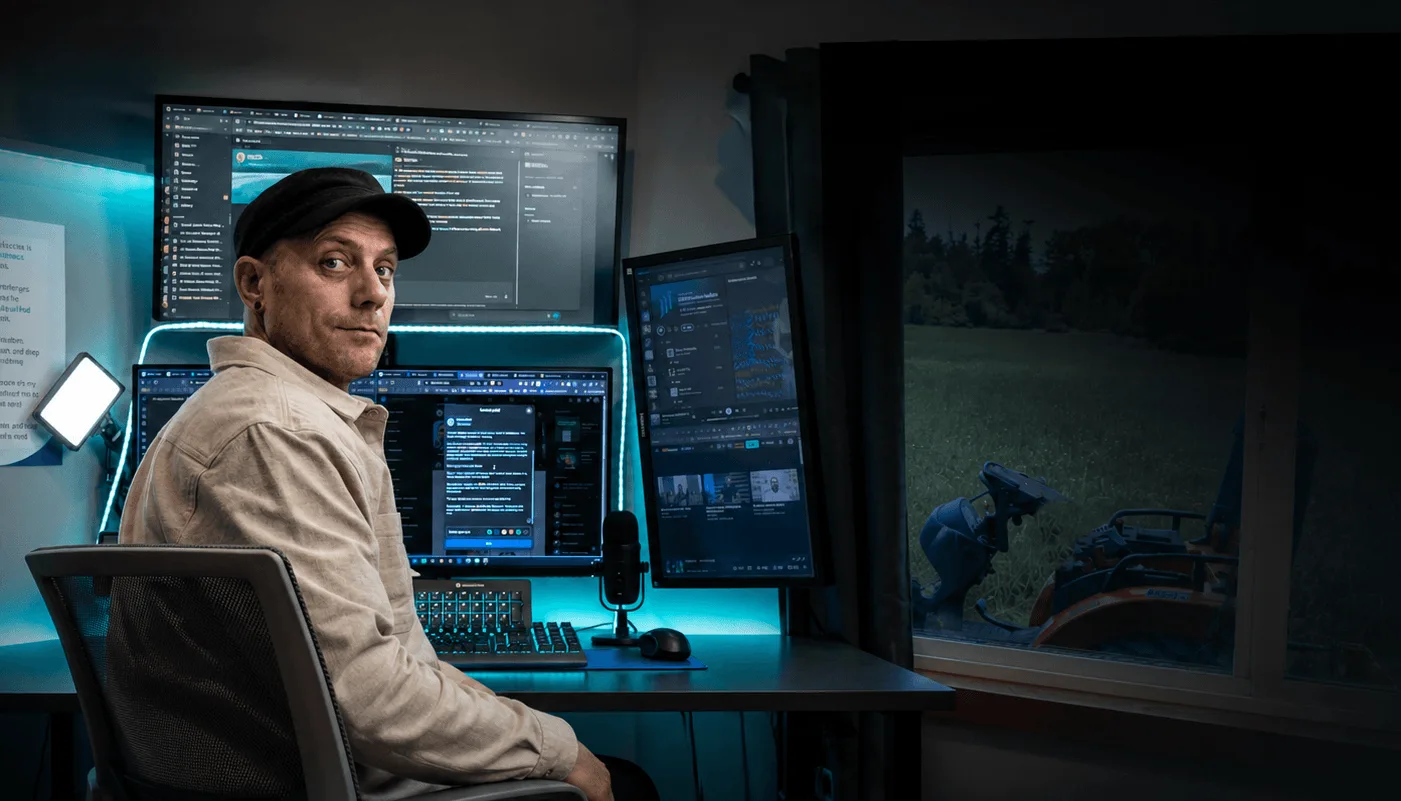
Let’s build a more private digital life.
 Speaker · LinuxFest Northwest 2026Bellingham · April 26, 2026
03 / I'M MAKING THESE CHANGES TOO
I spoke at LinuxFest Northwest about ten AI dangers we face in our lifetimes. I also went to learn: to look over the shoulders of developers and open-source enthusiasts thinking seriously about privacy and the future of our digital lives.
That matters because you shouldn't have to become one of those developers to use better tools. My job is to turn the technical work into something you can follow, with a clear next step and help when it gets messy.
I want a privacy-respecting personal inbox. I want my family's data and photos protected and under our control, with less opportunity for someone to use them against us. And I want private conversations with close friends and family, without our personal lives becoming data for the highest bidder. That's what I'm working toward, and what I'm inviting you to build alongside me.
A month. A practical route. People to work alongside.
04 / LESS FIGURING IT OUT. MORE GETTING IT DONE.
You don't need to learn to code or use AI to take more control of your digital life. Follow practical steps, choose tools that fit your life, and work at your own pace.
We'll focus on established open-source alternatives used by developers and privacy-minded people, then walk through setting up accounts and moving your data. Less wandering through forums. Less wrestling with a confusing setup. More progress you can actually see.
Work through the steps yourself, or use an AI assistant for explanations and help with repetitive tasks. Either way, start small, keep your originals, and check each result before moving on.
You decide which tools to use and what to change. Check the results before switching over.
CHOOSE HOW YOU WORK
WRITTEN STEPS / NO AI NEEDED
OPTIONAL AI / YOU APPROVE
FOUR WEEKS / YOUR PERSONAL PRIVACY SETUP
Start with the beginner steps, then go further with optional advanced tasks. Follow the steps manually or use AI to help. You don’t need AI to take part.
Win: a password manager running, two-step sign-in on your email and bank, phone locked and updating.
AI lane adds: account inventory, recovery audit, hardware keys and passkeys.
In the guide: a 45-minute easy lane, the two-step ladder, 4 AI prompts, the LastPass migration, a 12-question FAQ, the Lab replay.
Win: a private messaging setup and a privacy-respecting personal inbox, each tested with a real conversation.
AI lane adds: aliases for every signup, moving sensitive logins, knowing what is and isn't end-to-end encrypted.
In the guide: written steps for Signal and Proton Mail, email aliases, what is and isn't encrypted, the Lab replay.
Win: privacy-respecting browser and search defaults, phone permissions reviewed, a small photo backup you can get back.
AI lane adds: browser profiles as trust boundaries, an AI-assisted permission audit, photo migration planning.
In the guide: browser and search defaults, a phone permission audit, a photo backup you can test, the Lab replay.
Win: credit frozen at all three bureaus, your first data-broker removal sent, a December checklist written.
AI lane adds: AI drafts and tracks removal requests, virtual card numbers, a phishing-triage habit.
In the guide: the credit freeze with lift notes, your first data-broker removal, the December checklist, the Lab replay.
You don’t have to replace every tool or complete every advanced task. Keep your originals while you test changes. Optional tools, hardware keys and extra storage may cost more.
05 / THE WORKING LIBRARY
Follow the setup on screen, pause at your own step, and use the written guide when you come back.
Compare privacy-respecting and open-source options, including the costs, compromises, and setup involved.
If you choose to use AI, prompts can help explain steps and handle routine tasks. Keep access scoped and check the results.
The challenge library and replays live together in your Kajabi account.
06 / FROM PEOPLE I'VE TAUGHT & WORKED WITH
Experiences from earlier AI training, learning programs, and consulting.
This is a new challenge. These aren't privacy-challenge results.
What stood out most was his ability to make complex concepts accessible and actionable.
He creates an environment where people feel valued, supported, and empowered to learn.
His delivery was simple, effective, and adaptable to any domain, making advanced concepts robust yet graspable.
It's been so much fun. I have learned so much.
And Joshua really provided clarity and guidance along, like, what to do with all the tools he has.
His prompts untangled my puzzle pieces into a clear direction; I feel way less scattered thanks to his reflective sessions that led to clarity and confidence in the next steps.
The way that Joshua walked me through it was really helpful - it was like 'this is your next question.'
He has put in the time to learn how to prompt these different AI tools to tease out just the information you’re looking for.
I was honestly amazed by his insights into AI-enhanced writing and coaching - he made it all feel approachable, not overwhelming.
Been really valuable conversation for me and definitely inspire some action.
FREE HANDOUT
Five fixes, one page, about an hour total: a password manager, two-step sign-in, a private browser, one Signal message, and a credit freeze. Each one has an easy mode. Do them in any order.
No spam. Unsubscribe anytime.
AFTER THE CHECKLIST
Each checklist item is one line. Each week of The Privacy Challenge is the whole room behind that line: a video and audio version, written steps for the mom lane, AI prompts for the AI lane, a FAQ from real setup days, and a replay of the live Lab. Four weeks. Your pace.
Checklist first. You'll hear about the challenge once you've done it.
A FEW PRACTICAL QUESTIONS
Yes. Your email, no card, unsubscribe anytime.
No. You can follow the challenge manually, using the guides. If you want to use AI, optional training is included when you sign up. Use the model you prefer; features and setup vary by tool. If you do want to use it, the AI lane shows you how, including what to never paste into a chat.
The guides and videos walk you through the steps, including the confusing parts. Start with one change that fits your current setup. Some tools need more technical work than others; we'll make those tradeoffs clear.
No. Keep the tools you need while you test alternatives. Back up first, make a small move, and check the result before removing anything important.
Yes. Send them the checklist. Each person signs up with their own email so they get their own copy.
No tool or challenge can promise that. We'll focus on practical improvements, explain tradeoffs, and help you choose changes you can maintain.
STILL CLICKING “ACCEPT ALL” AND HOPING FOR THE BEST?
You’ve put this off long enough. Make today the day you start taking your digital life back.
Bring your family. Compare notes. Work through the steps together. “I’m not technical” just lost its favorite excuse.